


Bitget is a leading cryptocurrency exchange offering a wide range of products and services. With a user-friendly interface and advanced trading features, Bitget attracts a large number of users worldwide.
Below is a step-by-step guide on how to register an account on Bitget:
Step 1: Visit the Bitget Website
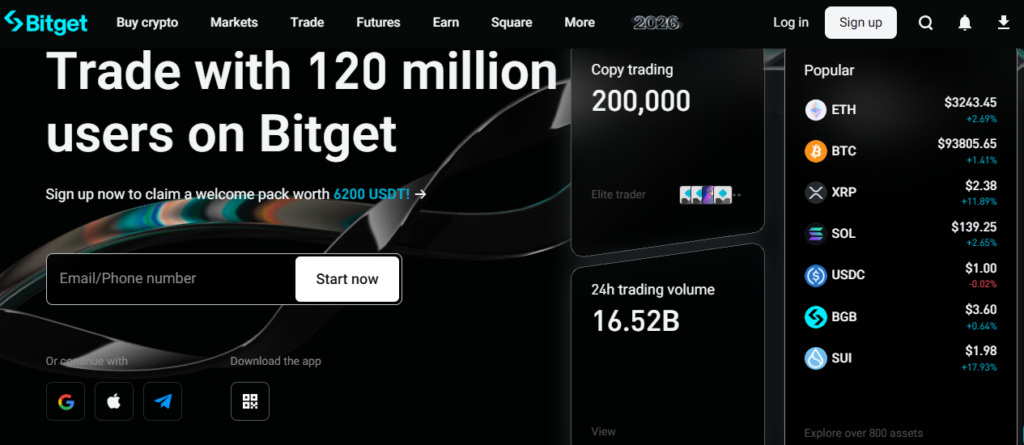
The first step to registering on Bitget is to visit the official website HERE.
Step 2: Start the Registration Process
Once you are on the Bitget homepage, click the “Sign Up” button located at the top-right corner of the page.
Step 3: Enter Your Email Address and Create a Password
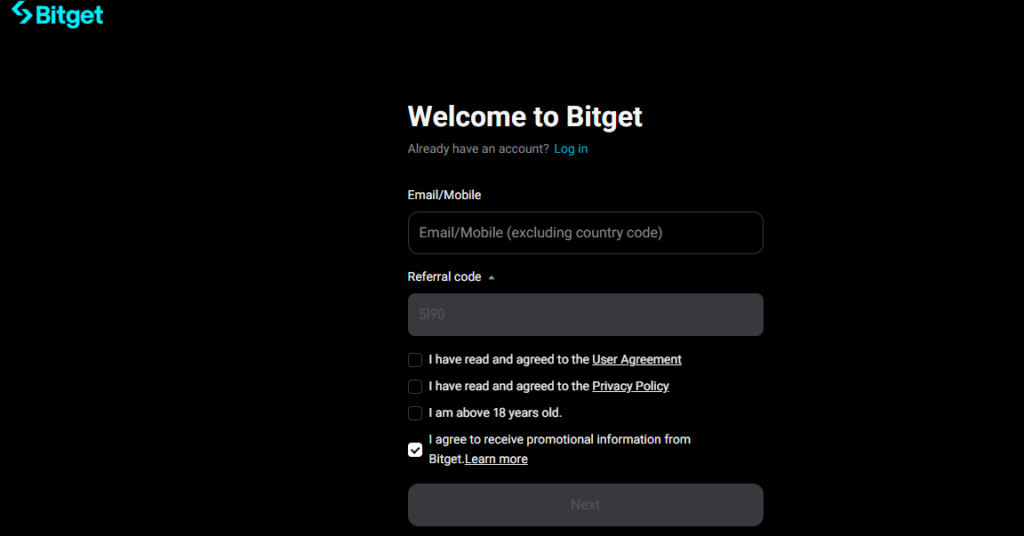
When the registration form appears, enter your email address and create a password for your account.
Note: Make sure to use a strong password that includes uppercase and lowercase letters, numbers, and special characters.
Step 4: Agree to the Terms of Service
After entering your email and password, you will need to agree to Bitget’s Terms of Service. Carefully read the terms and check the box to confirm that you have read and agreed to them.
Step 5: Complete the Security Verification
Click “Click to verify”, then select the 3 correct images as instructed to proceed to the next step.
Step 6: Enter the Verification Code and Complete Registration
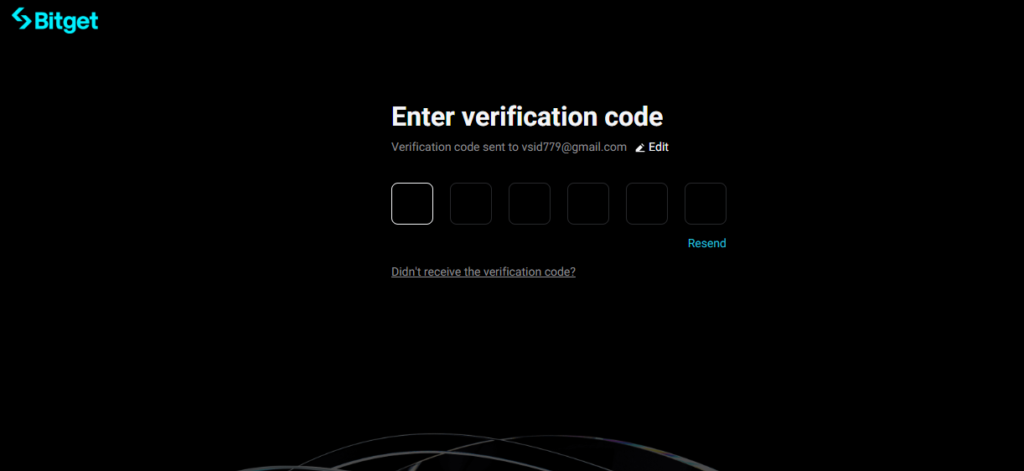
You will be redirected to a new page where you need to enter the 6-digit verification code sent to the phone number you registered.
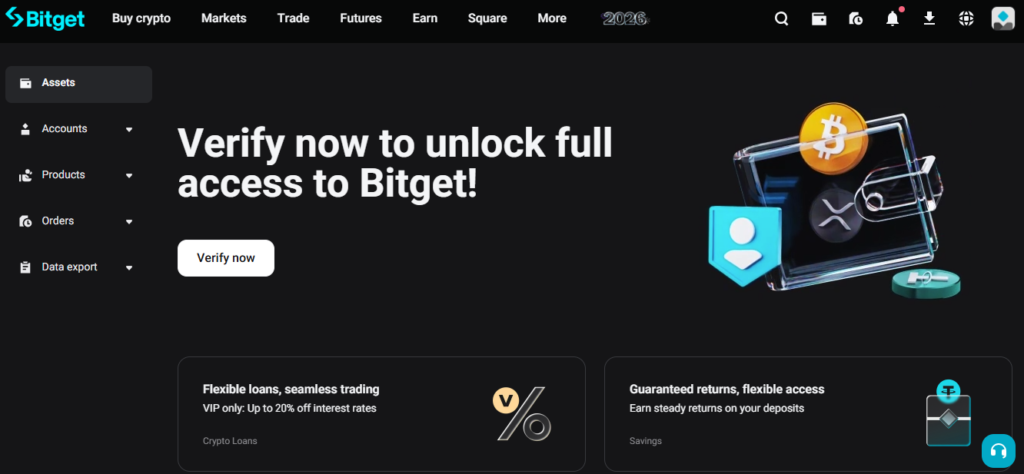
Once the registration is successful, the Bitget web interface will display your account information.
Step 7: Start the Verification (KYC) Process
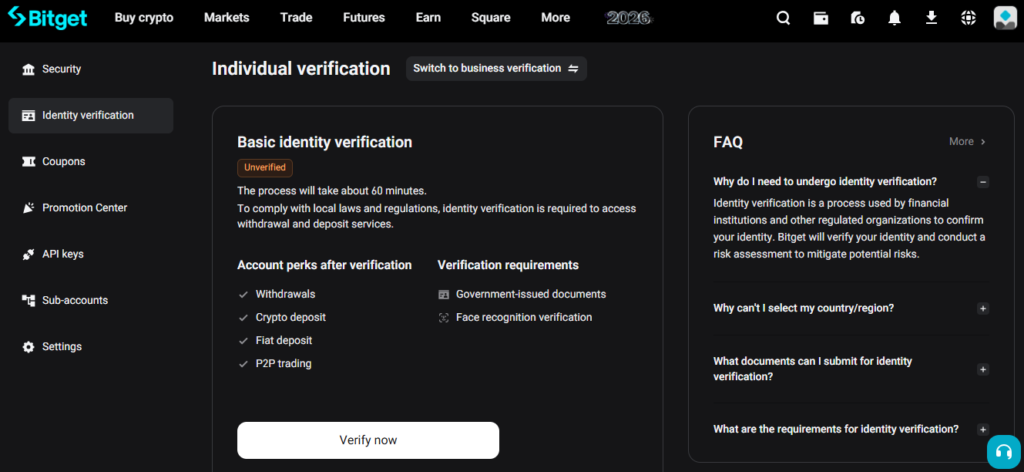
Next, you need to complete the identity verification process. Bitget requires users to complete KYC verification before they can start trading on the platform. Click the “Verify” button to begin.
Step 8: Complete the Verification Steps
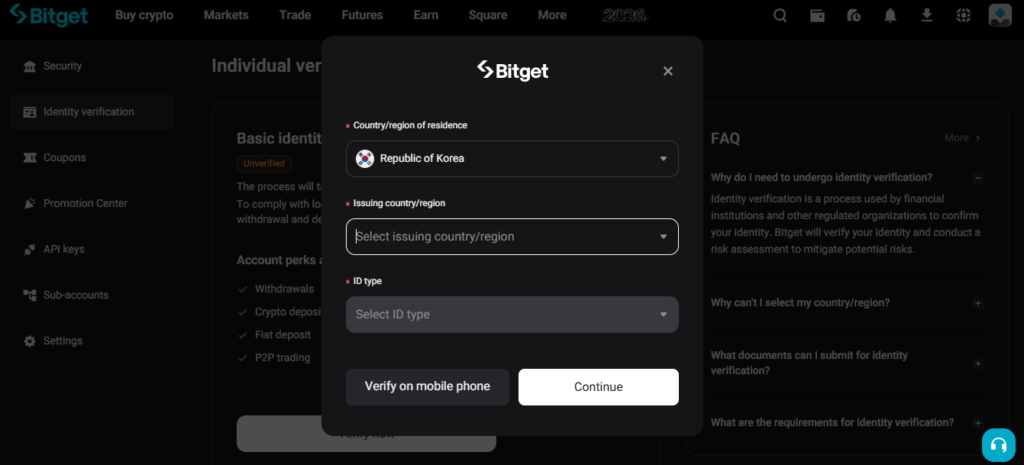
First, select your ID document type and region. Then choose whether to continue the process on a PC or mobile phone.
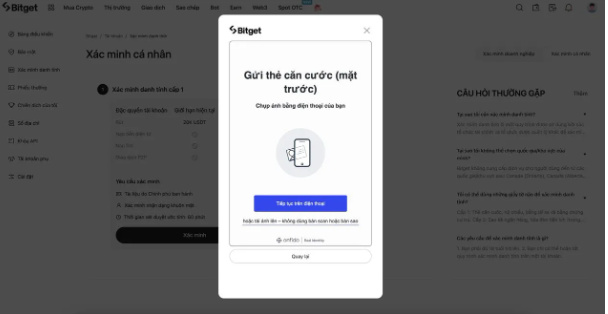
You will be required to provide your personal information, specifically your full name.
Next, upload images of your identification documents. You can continue using your phone or choose “Upload images” to proceed.
After uploading your documents, please wait while the system reviews them.
Once the document verification is completed, you will need to proceed with facial recognition.
The system will then notify you that the verification process is complete, and your application will be submitted for approval.
You will receive an email notification once your verification is approved. At this point, your account will be fully activated and ready for trading.
With its intuitive interface and advanced trading tools, Bitget offers an excellent user experience. By leveraging its diverse features and services, you can elevate your investment strategy to the next level.
Start your trading journey on Bitget today and explore the exciting opportunities in the cryptocurrency market. 🚀

